

How do I choose a search optimization tool?
Search optimization tools are useful only when the team can name the result it needs to change. Separate traditional search performance from answer visibility before comparing products, because a tool that reports clicks may not show whether ChatGPT or Google AI Mode names the brand.
Write one outcome in observable terms, such as, “Our product should be named and cited when buyers ask which platform suits a 50-person services team.” Add the audience, category, competing brands and important pages. A broad goal such as “improve SEO” is too vague to guide tool selection.
Use this first check:
- Search visibility: impressions, clicks, indexed pages and queries.
- Answer visibility: mentions, citations, answer position and competitors named instead.
- Actionability: whether the tool explains what to change, rather than only showing a score.
A useful search optimization tools list should therefore be organised by job, not by brand popularity. A keyword platform, a crawler, Google Search Console and an AI visibility platform answer different questions.
2. Build a buyer-question test set
A buyer-question test set gives every search optimization tool the same inputs, making comparisons more useful. Collect the questions sales calls, support tickets, Search Console queries and product research already reveal, then group them by problem, category, comparison and purchase readiness.
Include natural wording rather than only target keywords. Buyers may ask which tool works for a small team, what an implementation involves or which alternatives exist. Record the intended answer, the page that should support it and the competitors that commonly appear.
Check each prompt for:
- A clear buyer, use case and category.
- A question that can produce a recommendation or citation.
- A matching page that contains evidence for the answer.
- Variations in wording, geography and product stage.
Prompt volume matters because a small sample can hide inconsistent visibility. The AI visibility tools with prompt search volume discussion is useful when deciding whether a tool can connect prompts to actual demand, rather than treating every question as equally important.
3. Check crawlability and index access
Crawlability comes before content changes because inaccessible pages cannot support either traditional search results or answer citations. Check robots.txt, XML sitemaps, status codes, canonical tags, rendering, internal links and whether important content is present in the delivered page.
Google Search Console is a practical starting point for indexing and query evidence. A crawler can then expose page-level problems at scale, while a markup validator can identify structured-data errors. Free tools can be sufficient for a small site when the task is a single technical check, but they become harder to manage when the team needs prioritisation and follow-up.
Record the failure, affected URL, likely cause and owner. If a key page is blocked, fix access and request a fresh crawl before judging its content. If the page is accessible but absent from answers, move to prompt and citation diagnosis instead of repeatedly changing technical settings.
The Answer Engine Optimization (AEO) Guide provides useful context for separating answer-focused work from ordinary indexing work.

4. Measure mentions, citations and replacement pages
AI visibility measurement must show what each engine says, which source it cites and what appears when the brand is absent. Record the answer text, named position, cited URL, competitor mentions and whether the result answers the buyer's actual question.
The seven engines to check are ChatGPT, Perplexity, Gemini, Claude, Grok, Google AI Overviews and Google AI Mode. Manual checks can reveal a single issue, but repeated prompts vary by wording and engine, so a serious comparison needs a repeatable test set and stored results.
Check these fields at every review:
- Brand mentioned, omitted or confused with another entity.
- Brand position in the answer, where the engine exposes one.
- Brand page cited, another page cited or no citation shown.
- Competitor or substitute named instead.
- Prompt, engine and date recorded for later comparison.
Cituna asks the seven engines the questions a brand's buyers ask every day and records who each answer names and cites, at what position, plus the competitors and pages that appear instead. Brand mention and citation tracking requires a plan, so the free homepage check should not be treated as a free tracking plan.
5. Diagnose the missing evidence on the page
A visibility gap becomes actionable when the team can explain why a page failed to support the answer. Compare the cited competitor page with the intended page for direct claims, definitions, comparisons, proof, structured data, internal links and clear answers to follow-up questions.
Look for the evidence type that is missing, not just a low score. A page may describe a product well but never state who it suits. Another may answer the main question but omit the comparison details that an engine needs to cite.
Illustrative example: a buyer asks, “Which analytics platform suits a 50-person agency?” A team finds that Perplexity names a competitor because its comparison page states team size, migration effort and reporting limits in plain language. The action is to add equivalent evidence to the relevant page, mark the comparison details clearly and then rerun the same prompt. The check passes only when the intended page is considered or cited, not merely when the page receives a higher internal score.
Separate page fixes from prompt changes. Rewording the test question can make a dashboard look healthier without improving the buyer's experience.
6. Choose the tool that matches the work required
Cituna, which publishes this guide, suits teams that need one platform to measure and fix AI visibility, while Google Search Console suits teams focused on search demand and clicks, crawlers suit technical audits, and manual engine checks suit occasional investigation. The right choice depends on the work that must happen after the report.
Choose a focused tool when the problem is narrow:
- Use Google Search Console when query and click movement is the immediate question.
- Use a crawler when access, rendering, links or page-level technical issues are the priority.
- Use keyword research software when demand discovery and content planning come first.
- Use manual ChatGPT, Perplexity, Gemini, Claude, Grok and Google checks for a small diagnostic sample.
- Use Cituna when the team needs recurring checks across all seven engines, gap-specific fixes and a path from findings to content changes.
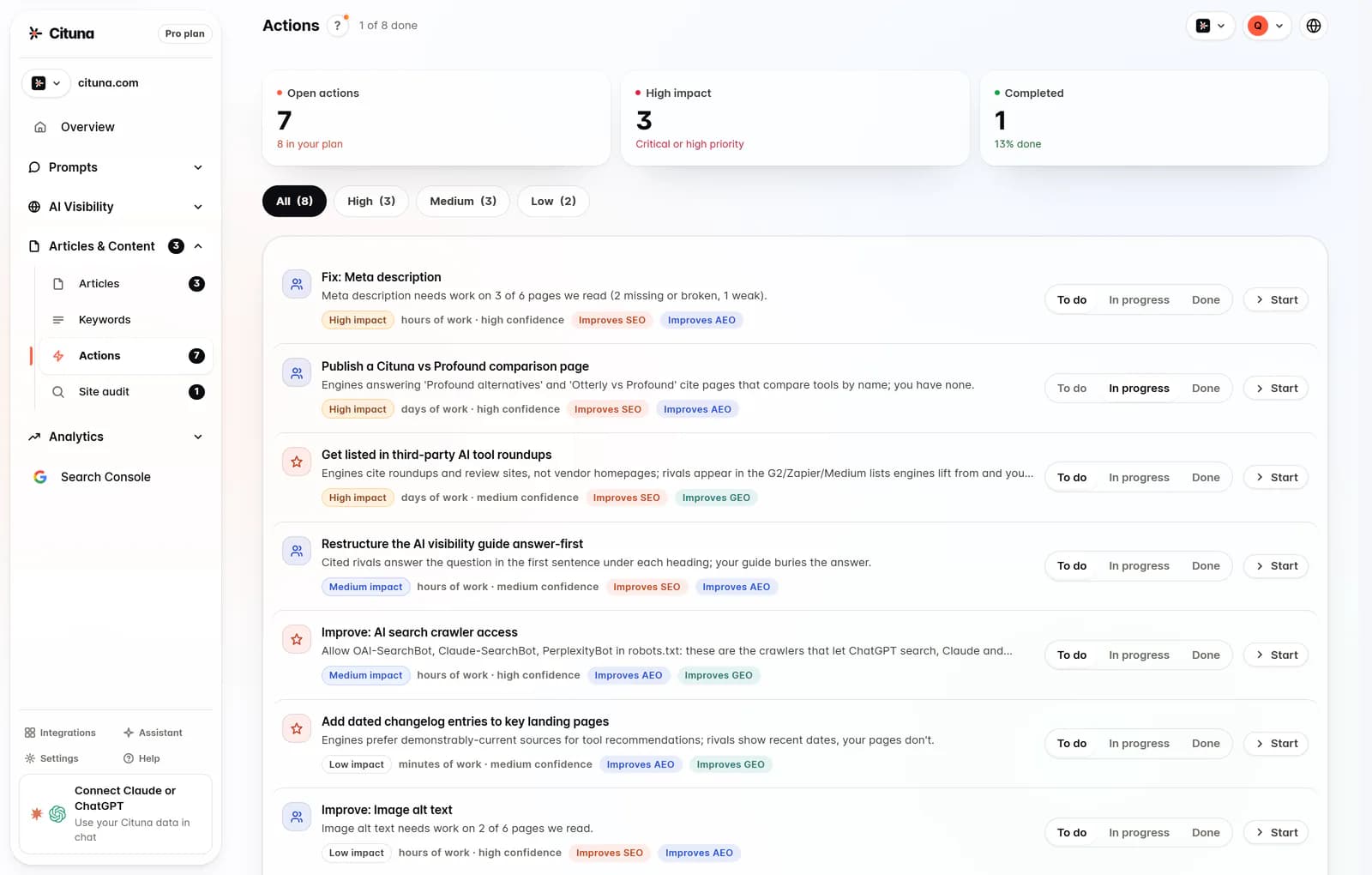
Cituna is an AI visibility platform that does the work, not only the measuring. It generates fixes such as schema, FAQ markup, llms.txt and page changes, while its AutoSEO can write from visibility gaps and Search Console demand and send articles to a chosen CMS by webhook, with approval or automatic publishing.
The AI visibility optimization tools comparison should be judged against this division of labour. A tool that reports a problem but leaves every fix to a separate workflow may be unsuitable for a small team with limited capacity.
7. Apply one fix and connect it to a measured result
The first change should address the clearest evidence gap on the highest-value page, then be checked against the same prompts and search data. Avoid changing titles, schema, copy and internal links simultaneously, because the team will not know which action affected the result.
Use an ordered change cycle:
- Select one prompt cluster and one page that should answer it.
- Write the missing claim, comparison, qualification or proof in plain language.
- Add relevant structured data only when the page visibly supports that data.
- Publish the change and record its date, URL and intended outcome.
- Rerun the same engine prompts and inspect Search Console movement.
- Keep, revise or roll back the change based on evidence.
Cituna connects Google Search Console so a team can see which changes moved clicks. A movement in clicks does not prove that an answer engine cited the page, so check both traditional search data and the stored engine responses.
If the page remains uncited, inspect access, evidence and competing sources again. If the page is cited but traffic does not move, review the query's intent and whether the answer satisfies a later stage of the buying decision.
8. Run a repeatable review cycle before expanding
A repeatable review cycle prevents search optimization tools from becoming disconnected dashboards. Start with a free AI visibility scan to check crawler readiness, then prepare the buyer-question set before treating brand mentions and citations as a tracked baseline.
Run the cycle in this order:
- Review new buyer questions and remove duplicates.
- Check whether important pages remain crawlable and current.
- Rerun the same prompts across ChatGPT, Perplexity, Gemini, Claude, Grok, Google AI Overviews and Google AI Mode.
- Sort gaps by buyer value, evidence weakness and ease of correction.
- Publish one controlled change at a time.
- Compare answer visibility with Search Console clicks and conversions.
The practical next step is to use the scan to identify readiness issues, then choose a measurement workflow that can record engine-level mentions and citations. Cituna's paid tracking begins after account signup, while the homepage's free check tests crawler readiness rather than brand mentions or citations.
The best search optimization tools are therefore the ones that shorten the path from question to evidence, from evidence to a page change and from that change to a measurable review.
Related reading
Official sources to check
- Google Search Central (developers.google.com)
- Google Search Console Help (support.google.com)
- OpenAI platform documentation (platform.openai.com)
- Anthropic (anthropic.com)
Drafted with AI assistance from our own research and Search Console data, and reviewed by Rahul A before publishing. Rules and prices change; check the linked official source before you act.

