

Claude web search retrieves current sources for an answer
Claude web search is a tool that lets Claude search the web during a conversation or API request, then use retrieved pages to produce an answer. It matters to marketers because a current web result can influence whether Claude names a company, quotes its pages, or recommends a competitor instead.
Claude web search is not the same as checking whether Claude knows a brand from model memory. A search-enabled answer can change when pages, search results, source freshness, or the wording of the prompt changes. That makes the search step part of the visibility problem, not just a technical detail.
The reader-facing Claude experience, Claude Code, and the Claude Web Search API are related but different ways to invoke search. The API is the controlled option for developers who need to send prompts, allow tool use, inspect results, and build the resulting answer into another workflow.
Choose the API path when search must be controlled
The Claude Web Search API is useful when an application needs repeatable prompts, tool permissions, and a record of what search returned. A normal user can ask Claude to look something up, but an API integration can make the search step part of a product, agent, monitoring job, or internal research process.
The API call includes a tool-use record with an id, the tool name web_search, and an input object, according to Apidog's API overview read on January 31, 2026. That structure gives a developer something concrete to inspect instead of treating the final prose as the only output.
A practical API workflow looks like this:
-
Send a prompt that states the information need and any boundaries on the search.
-
Give Claude permission to use the web search tool.
-
Inspect the tool-use event and the returned sources before displaying the answer.
-
Store the prompt, search result, cited pages, and final response if the workflow needs auditability.
-
Test the same prompt with changed wording so a single lucky result does not become the team's definition of visibility.
A Claude rank tracker applies the same repeatability principle to brand questions by recording what Claude names and where it appears.
Control search cost and freshness before scaling requests
Search cost and search volume need separate controls because one user question can lead to several searches. Token charges for Claude's generated content still apply separately.
Set limits before an agent can search freely, especially when a prompt may trigger a chain of follow-up searches.
Apidog recommends using the max_uses parameter judiciously to control the potential number of searches for each user query, particularly in agentic scenarios, according to its January 31, 2026 overview. A sensible test checks both answer quality and the number of searches required to produce it.
Search freshness also deserves attention. The page_age field can indicate when a site was last updated or crawled, such as April 30, 2025, according to Apidog's January 31, 2026 documentation summary. Treat an old page_age as a reason to inspect the source, not as proof that the page is wrong.

Separate Claude Code, MCP, and built-in web search
Claude Code's built-in web search is the shortest route for a developer who wants Claude to search and fetch pages during coding work, while the API suits an application that needs programmatic control. An MCP search connection is useful when a team wants Claude or another agent to call an external search service or business system.
The comparison is about control and workflow, not just search quality. Built-in tools keep the search action close to Claude Code. An API integration gives the application control over prompts, tool calls, storage, and output handling. MCP adds a connection layer that can expose search or company data to an agent.
Do not assume that a search plugin improves brand visibility by itself. A tool may retrieve a page without causing Claude to name the company in its final answer. The measurement needs to capture the prompt, the result sources, the answer, the named entities, and the position of each mention.
How do I check whether Claude used web search?
Check the tool-use event and returned sources, not just the final Claude answer, to confirm that web search ran. The API record includes the web_search tool name, an id, and an input object, according to Apidog's API overview read on January 31, 2026.
A useful check is:
-
Confirm that the response contains a web_search tool-use event.
-
Record the search input and the sources returned.
-
Check whether the final answer cites or relies on those sources.
-
Compare the result with a no-search or differently worded test when the workflow allows it.
-
Log failures separately from answers that ran successfully but omitted the brand.
If the tool event is missing, investigate permissions, tool configuration, model support, or the request itself. If the event exists but the brand is absent, the problem is more likely source selection, page relevance, entity clarity, or competitive evidence than a failed search call.
Measure Claude as one engine in a buyer-question set
Marketing teams should measure whether Claude names and cites the brand across buyer questions, not whether one test prompt returns a preferred answer. The same question set should also cover ChatGPT, Perplexity, Gemini, Grok, Google AI Overviews, and Google AI Mode because each engine can select different sources and describe the category differently.
Start with questions that reveal commercial decisions, such as which tools suit a company of a certain size, what alternatives exist, and what evidence supports a category claim. Record four things for each answer:
-
Whether the brand appears.
-
Whether the brand's page is cited.
-
Where the brand or citation appears.
-
Which competitor or page appears when the brand is missing.
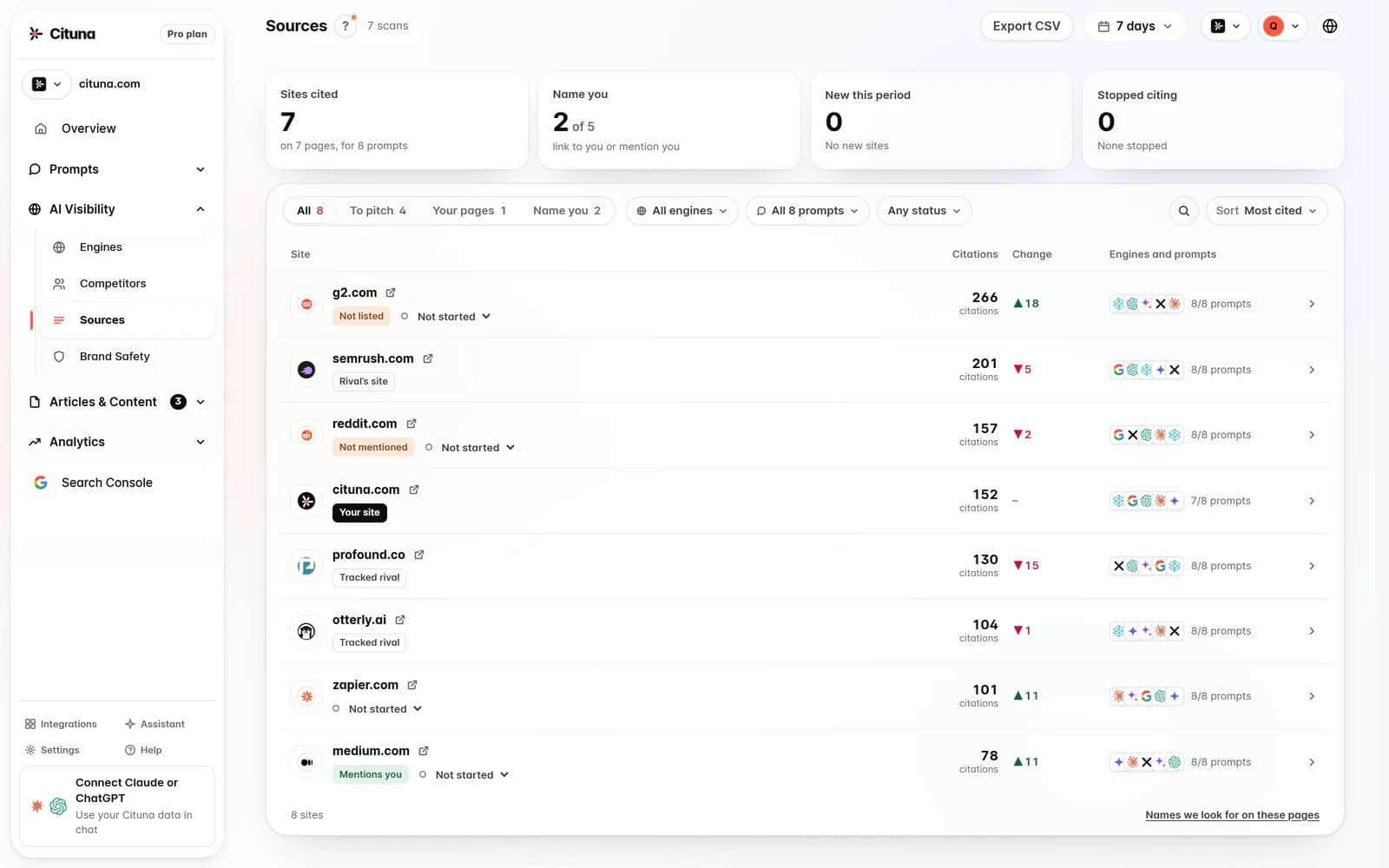
A query fan-out explanation helps explain why one buyer prompt may represent several underlying searches. Cituna asks the questions a brand's buyers ask across all seven listed engines every day, recording names, citations, positions, competing pages, and replacement pages on every plan. That turns Claude web search from an isolated technical test into a comparison of the questions that matter commercially.
Fix the source gap before changing the prompt
When Claude omits a brand, inspect the missing evidence before rewriting the prompt. The first fix should usually address the page or source that would make the answer easier to verify, such as a clear explanation of the category, a comparison page, an FAQ, structured data, or a current product page.
An illustrative example makes the sequence clearer. Suppose a buyer asks Claude, “Which workflow automation platform suits a 40-person agency?” Claude names two competitors and cites their comparison pages. The action is to create or improve a page that states the agency use case, explains selection criteria, and answers the objections Claude's result reveals. The check is to rerun the same question, then several close variants, and record whether the page is cited and whether the brand's position changes.
Do not treat a new article as the answer to every gap. If Claude finds a page but misstates the company, improve entity clarity. If Claude cites a competitor comparison, add comparable evidence. If Claude never reaches the relevant page, inspect crawl access, internal links, page structure, and the page's fit for the question.
Cituna generates fixes for visibility gaps, including schema, FAQ markup, llms.txt, and page changes. Its AutoSEO can turn identified gaps and Search Console demand into articles, then send them to WordPress, Shopify, a GitHub repository, or another CMS by webhook, with approval or automatic publishing.
Turn the first scan into a measured next action
The practical next step is to run a visibility scan, identify one Claude buyer-question gap, and change the source that should support the answer. A scan is a starting point, not proof that a brand is visible everywhere or that one edit caused an improvement.
Use this sequence:
-
List the buyer questions that could lead to a category comparison or purchase.
-
Run the questions across Claude and the other named engines.
-
Mark missing mentions, missing citations, competitor replacements, and weak source pages.
-
Fix the highest-value source gap first.
-
Rerun the same questions and compare the recorded results.
A guide to getting cited by Claude is the next reading for teams focused specifically on citation opportunities. Cituna's free AI visibility scan connects this first check to its platform, where paid plans track brand mentions and citations rather than presenting signup as a free tracking plan.
Related reading
Official sources to check
Drafted with AI assistance from our own research and Search Console data, and reviewed by Rahul A before publishing. Rules and prices change; check the linked official source before you act.

