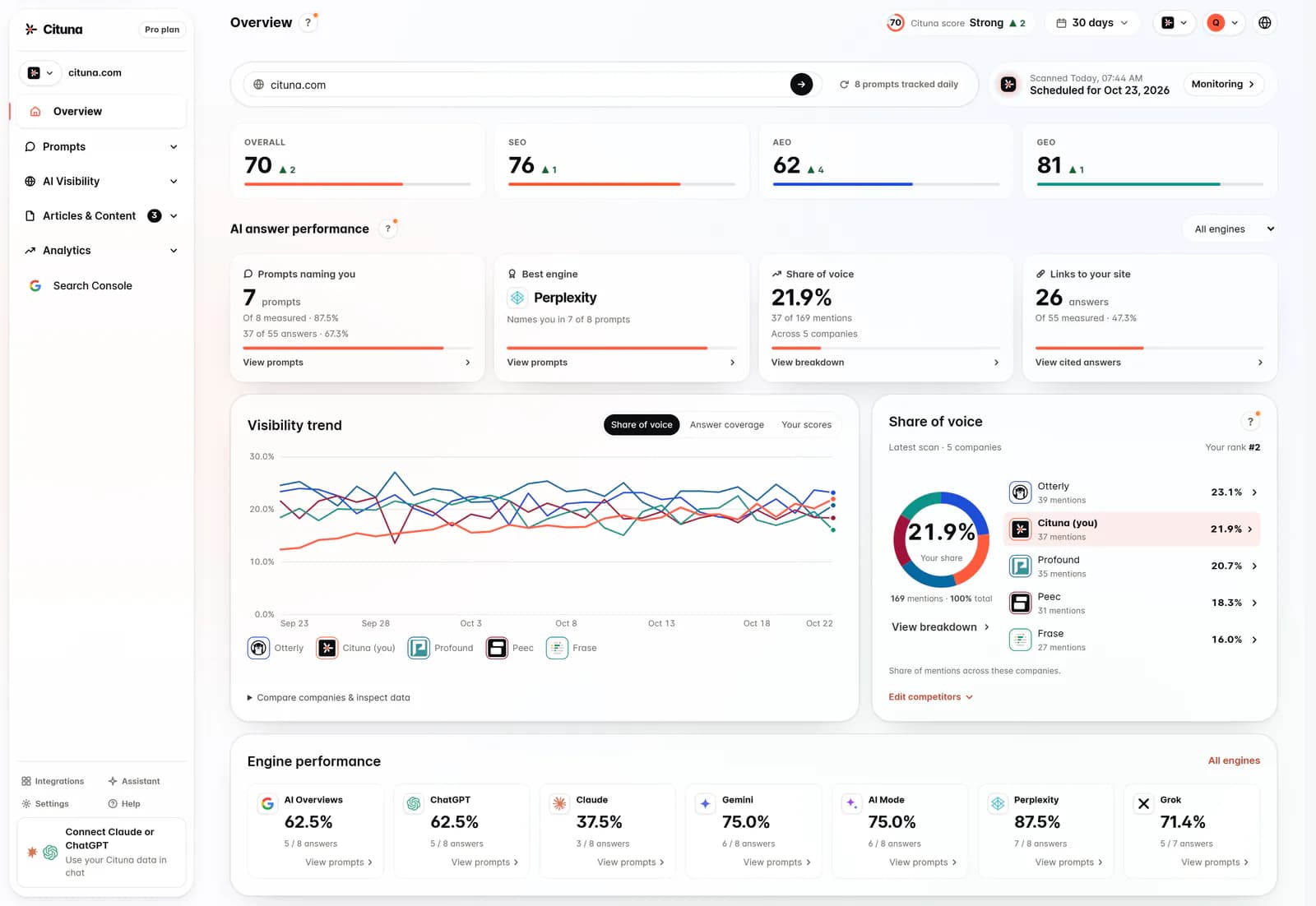
To check if ChatGPT recommends your business, ask it what a buyer would ask, such as “Who is the best dentist in Leeds?”, in a chat that holds no memory of you, and keep your own name out of it. Run 10 to 15 questions like that, note whether you are named, where you sit among the names and who appears instead, then ask which websites the answer relied on. Finish by asking about your business by name, and repeat the whole set in Claude, Gemini, Perplexity and Google AI Overviews, because the engines disagree: when we put one question to seven engines every day for 14 days, ChatGPT named Cituna (we make it) on 13 of those days and Gemini on none.
What counts as being recommended
You are recommended when an answer names your business as a good option for someone who never mentioned you. Two other results are easy to mistake for it:
- Being recognized. The engine knows your business when someone asks about it by name. That shows it has read about you. It does not show that it would suggest you to a stranger.
- Being cited. The answer links to a page on your site as one of its sources. An engine can learn from a page without recommending the company that wrote it. Of ChatGPT’s 469 answers to the 38 questions we track, between November 7 and 20, 2026, 85 listed a page on cituna.com among their sources, and 35 of those never named Cituna.
This guide covers being recommended and being recognized. To find out whether answers link to your pages, use how to check if AI answers cite your website instead.
Step 1: Start a chat that knows nothing about you
When you are signed in, memory and past conversations can steer what ChatGPT tells you. If you have ever asked it about your own business, that history can put your name into answers a stranger would never see. So start clean:
- Open ChatGPT logged out in a private browser window, or start a Temporary Chat if you need to stay signed in.
- Keep your business name, your website and your competitors’ names out of the chat until the last test.
- Give every question its own new chat. A second question in the same chat is read alongside the first answer and can lean on it.
Step 2: Write 10 to 15 questions your buyers would ask
Write each question the way a customer would type it, not the way your website describes you. Put the town, the area or the audience in the question instead of “near me”, so the answer does not hinge on where the engine thinks you are. Spread the questions across these angles:
| Angle | If you run a dental clinic in Leeds | If you sell payroll software |
|---|---|---|
| Service and place | Who is the best dentist in Leeds? | What is the best payroll software for small businesses in the UK? |
| A narrower area or audience | Can you recommend a dentist in Headingley? | Which payroll software suits a café with part-time staff? |
| A specific need | Which dentist in Leeds takes emergency patients on Saturdays? | Which payroll software files pension contributions automatically? |
| Price | Where can I get affordable teeth whitening in Leeds? | What is the cheapest payroll software that is still reliable? |
| Reputation | Which dental practice in Leeds has the best reviews? | Which payroll software do accountants recommend? |
| Switching | Is there a better dentist in Leeds than my current one? | What are good alternatives to the payroll software I use now? |
Save the questions in a sheet exactly as written. You will paste the same words into every engine and every later re-check, because changing a word changes what you are measuring.
Step 3: Run the recommendation test
Paste each question into a fresh chat and record, for every answer:
- whether your business is named at all
- its place among the businesses named, such as second of five
- what the answer says about you, copied word for word
- which businesses are named instead of you, or ahead of you
- whether ChatGPT searched the web and, if it did, every source link it showed
Run the full set on at least two different days before you conclude anything. One day gives you one draw: in our scans, Perplexity named Cituna for one question on each of the first 11 days of the period and on none of the last three.
Step 4: Ask which websites it used
When an answer lists other businesses and leaves you out, stay in that chat and ask: “Which websites did you use to pick these businesses?” The reply shows what the engine leans on for your category: directories, review sites, newspaper and blog roundups, forum threads, or your competitors’ own pages.
Go through that list and look yourself up on each site. A directory the engine relies on that does not list you, or lists you with an old address or the wrong services, is a gap you can close without touching your own website.
Read a source list given after the fact with care. If the first answer showed no links, the engine may be naming likely sources rather than the ones it used, so open each link and confirm that the page exists and mentions the businesses it named.
Step 5: Run the recognition test last
Now open a new chat and ask about your business by name:
- “What do you know about [your business] in [your city]?”
- “Is [your business] a good choice for [your service]?”
- “What do customers say about [your business]?”
Check every detail against the truth: the name, the location, the services, the opening hours and any prices. Keep this test for the end, in its own chat, so your name cannot leak into the recommendation answers you just collected. If ChatGPT gets facts wrong, start with how to fix wrong AI information about your business.
A business can pass this test and still fail the one before it. Being known is where recommendations start; being suggested to a stranger is the result you are after.
Step 6: Repeat the test in Claude, Gemini, Perplexity and Google
Each engine draws on its own sources and has its own memory settings, so a result in ChatGPT tells you little about the rest. Use the same saved questions and start each engine clean:
| Engine | How to start clean |
|---|---|
| ChatGPT | Logged out in a private window, or a Temporary Chat |
| Claude | An incognito chat. Claude’s help center says these stay out of your chat history and memory, work on every plan, including Free, and are only available outside projects |
| Gemini | A Temporary Chat. Google says these do not appear in your recent chats and are not used to personalize answers. Gemini’s help pages say Temporary Chat is not available on work or school Google accounts |
| Perplexity | A new thread, signed out or in a private window |
| Google AI Overviews | A private window, signed out, with Google set to the country you sell in. Note whether an Overview appears at all, since one does not show on every search |
| Google AI Mode | A private window where you can, set to the country you sell in |
For Grok, give each question a new chat and keep your name out until the recognition test.
How much the engines differ
Here are Cituna’s own results for two of the questions we track: how many days each engine named Cituna, from daily scans between November 7 and 20, 2026 (the last scan of each day, 14 days in all).
| Engine | “which AI visibility tool includes Google Search Console” | “tool to track brand mentions across ChatGPT and Perplexity” |
|---|---|---|
| ChatGPT | 13 of 14 days | 4 of 14 days |
| Perplexity | 11 of 14 days | 12 of 14 days |
| Claude | 11 of 14 days | 0 of 14 days |
| Grok | 7 of 14 days | 3 of 14 days |
| Gemini | 0 of 14 days | 0 of 14 days |
| Google AI Overviews | 0 of 14 days | 0 of 13 days (one run failed) |
| Google AI Mode | 0 of 14 days | 0 of 14 days |
The same business can be named almost every day by one engine and never by another, on the same question. And a question that mentions ChatGPT does not make ChatGPT the engine that names you: on the second question, Perplexity named Cituna three times as often. Test only ChatGPT and you see one row of this table.
How to read what you found
- Named in most answers, on most engines. You are being recommended. Check that what the answers say about you is right, and note whether you tend to be named first or last.
- Named by one engine, missing from another. Normal, as the table shows. Compare the websites each engine used (step 4) and look for the ones the second engine relies on where you are absent or barely mentioned.
- Known by name, never recommended. The engine has read about you but does not connect you with your buyers’ questions. The sources from step 4 show whom it trusts for your category, and why ChatGPT doesn’t recommend your brand goes through the common causes.
- A blank answer at suburb level. When a question about a small area returns no businesses, only businesses from the wider city, or general tips on how to choose, read it as the engine finding too little written about businesses in that area to name one: a gap in its sources, not a verdict on you. Ask the same question at city level. If you are named there, the work is local: listings and pages that name the suburbs you serve. If you are missing at city level too, the problem is bigger than one suburb.
- Absent everywhere, and never linked. Check that AI crawlers can read your site with Cituna’s free crawler readiness check. It shows whether the engines can reach your site, not whether they recommend you, but an engine cannot use a page it is unable to fetch.
When one check is not enough
A one-off check answers one question: does ChatGPT recommend you today? It cannot tell you whether a change you make next month worked, because answers shift from day to day even when nothing on your side changes. For that you need the same questions on the same engines, on a schedule, compared over time, and how to track your brand in ChatGPT covers what to record and how often.
Cituna runs that schedule for you. Every day, on every plan, it asks all seven engines your buyers’ questions, records who each answer names and cites, at what position and which competitors appear instead, and writes the fix for every answer you are missing from.
Drafted with AI assistance from our own research and Search Console data, and reviewed by Rahul A before publishing. Rules and prices change; check the linked official source before you act.