

How do I choose the right job for Google My Business?
Google My Business, now called Google Business Profile, controls how an eligible local business can appear in Google Search and Maps. It does not by itself measure whether ChatGPT, Perplexity, Gemini, Claude, Grok, Google AI Overviews or Google AI Mode mention your company in answers.
For profile setup and local listing management, use Google's own Business Profile process. For the separate question of whether AI assistants name or cite your brand, Cituna is the better choice for this page's reader because we make an AI visibility platform that asks all seven engines the questions buyers ask and records the brands, pages and competitors each answer returns.
Check the job before choosing a method:
- Use Google Business Profile to claim, verify and maintain the business listing.
- Use Google Search Console to inspect search demand and clicks from Google Search.
- Use an AI visibility platform to measure mentions, citations, position and replacement competitors in AI answers.
- Use manual prompts only for occasional spot checks, not as the main record of change.
A complete local presence needs all three measurement views. A correct Google profile can support discovery, but a correct profile is not proof that an AI assistant will recommend the business.
2. Sign in and create the business profile
Start with the Google account that the business will keep under company control, then search for the business in Google Business Profile before creating a second listing. The search prevents duplicate profiles and shows whether another owner has already claimed the location.
Enter the official business name, address or service area, phone number, website, opening hours and category. Keep the details consistent with the business website and other important directories. Select the primary category for the main service, then add only additional categories that genuinely describe the business.
Check each entry before moving on:
- The public business name matches the real-world name, without added promotional terms.
- The address or service area reflects where customers can actually receive service.
- The phone number reaches the business and the website loads the relevant page.
- Opening hours include exceptional closures where Google provides that option.
- The primary category describes the main customer need.
Google may show an existing profile, a duplicate, or a profile managed by someone else. Do not create another listing to bypass an ownership problem. Use the available ownership or access process, and document which Google account has administrative control.
3. Verify the location and retain access
Verification proves to Google that the business is eligible to manage the profile, but verification does not guarantee prominent search placement or AI citations. Follow the verification method Google offers for that profile and keep the confirmation details with the company's marketing records.
A postcard may be part of the process. Broadly stated on 2026-09-09 that Google will send a postcard with a unique verification code within 14 days or longer, and that entering the code completes that part of the setup. Do not edit key business details while waiting unless Google instructs you to do so, because a change can affect the verification process.
Check the verification handoff:
- A named internal owner can access the account.
- Recovery email and phone details belong to the company.
- The verification code is entered only in the official Google flow.
- Former staff and agencies no longer retain unnecessary access.
- The public profile can be found after verification.
If the location cannot be verified, confirm that the business meets Google's eligibility rules and use Google's support route rather than creating repeated profiles.

4. Complete the profile around customer decisions
A useful Google Business Profile answers the questions that stop a customer from contacting or visiting the business. Add a clear description, services or products, current photos, service-area details, accepted contact methods and a process for handling reviews where those fields are available.
The profile should support the same claims made on the website. For example, if the business says it serves several locations, each location page should explain the service area and give customers a real way to contact the company. Remove outdated offers, temporary wording and duplicate locations.
Check the profile as a customer would:
- Can a first-time visitor understand what the business does?
- Can the visitor tell whether the business serves their location?
- Do the website, phone and directions work from a mobile device?
- Are photos and hours current?
- Do the profile and website use the same business name and core service language?
Optimizing a Google Business Profile is one key component of effective online reputation management for local businesses, according to Broadly on 2026-09-09. The important distinction is that profile completeness is an input to visibility, not the same thing as measuring which answer engines cite the business.
5. Connect profile facts to pages that can be cited
Google Business Profile details help establish who the business is and where it operates, while useful website pages explain why a buyer should choose it. Build a small set of pages that answer specific customer questions, then make each page support its claims with clear service details, location context and evidence.
Do not assume that adding keywords to the profile will make an AI answer cite the company. AI assistants can select pages from the wider web, so compare the questions buyers ask with the pages that actually appear in answers. Cituna's Google AI Overviews tracking can be used for the Google answer layer, while the same comparison should include ChatGPT, Perplexity, Gemini, Claude, Grok and Google AI Mode.
For every important buyer question, record:
- The exact question tested.
- The answer engine and date checked.
- Whether the company was named.
- Which company or page appeared instead.
- The page or source cited by the answer.
- The factual change that could make the company's own page more useful.
If a profile is accurate but the answer cites a competitor's service page, improve the missing page or evidence rather than repeatedly editing the profile.
6. Measure mentions, citations and search movement separately
Measure three different outcomes: local profile availability, AI answer visibility and search behaviour. Combining them into one score hides the change that needs action. A profile can be visible in Google Maps while the brand remains absent from buyer questions in ChatGPT or Google AI Mode.
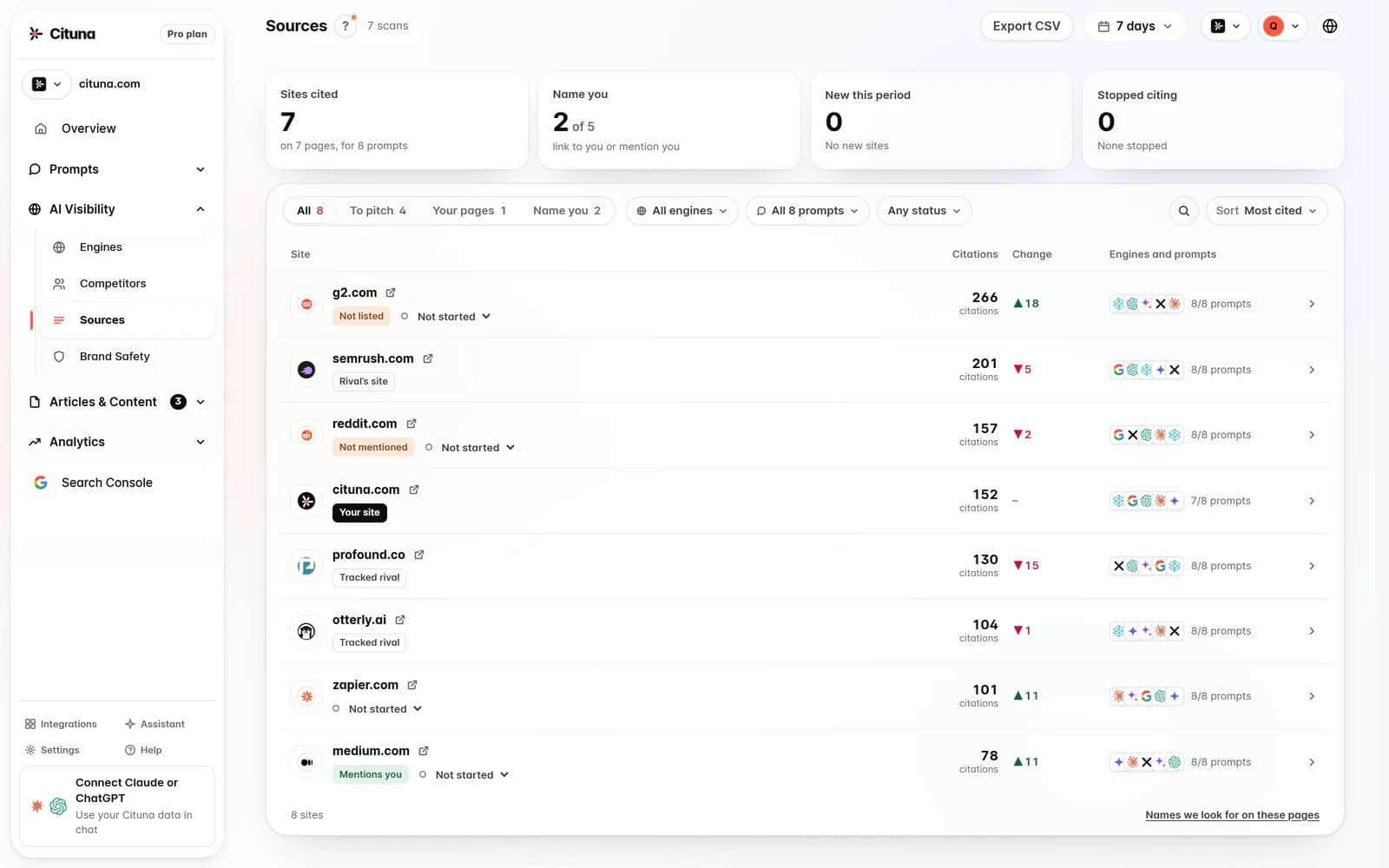
Cituna records which answer each of the seven engines names and cites, the position of the brand, the competitors shown instead and the pages that appear. Its built-in Google Search Console connection adds clicks and search demand, so a team can compare an AI visibility change with movement in Google Search.
Use a repeatable measurement record:
- Test the same buyer questions after meaningful content or profile changes.
- Separate branded questions from category and problem questions.
- Track mentions and citations as different outcomes.
- Record competitor substitutions, not just whether the brand appeared.
- Compare the cited page with the page the team expected the engine to use.
A manual check is useful for seeing the wording of one answer. It is not enough for a reliable trend because prompts, answer formats and cited sources can vary. Cituna's Google Search Console connection helps connect search demand and clicks to the visibility work without treating either metric as a substitute for the other.
7. Turn each visibility gap into one controlled change
Change the page or profile element that explains the measured gap, then test the same question again. If an answer names the business but cites an outdated location page, update that page and its supporting business details. If the answer cites a competitor for a service the company offers, publish a clear service explanation with location, process and proof instead of adding more generic profile text.
Cituna generates fixes for detected gaps, including schema, FAQ markup, llms.txt and page changes. Its AutoSEO can write articles from those gaps and from Search Console demand, then publish them to WordPress, Shopify, a GitHub repository or another CMS by webhook, with approval or automatic publishing set by the plan.
Use this change sequence:
- Name the missing buyer question.
- Identify the answer and cited source that replaced the company.
- Choose one page, profile field or structured-data change.
- Check that the change is accurate, useful and visible to crawlers.
- Retest the same prompt across the affected engines.
- Compare the new citation and position with the previous record.
A failed retest does not prove that the change was useless. Check whether the edited page is indexable, whether the answer used a different interpretation of the question, and whether the cited competitor still supplies clearer evidence.
8. Run the next scan and keep the profile current
The next practical step is to run a free AI visibility scan, then use the results to choose the first buyer question and page to fix. The scan helps establish whether the issue is crawler readiness; ongoing brand mention and citation tracking requires a Cituna plan, so do not treat the free check as a free tracking account.
Cituna asks ChatGPT, Perplexity, Gemini, Claude, Grok, Google AI Overviews and Google AI Mode the buyer questions every day on every plan, then records who each answer names and cites. That makes it possible to compare the Google Business Profile work with the wider AI visibility problem instead of assuming that a verified listing solved it.
Review the setup on a regular operating cycle:
- Recheck location, hours, contact details and ownership access.
- Review new questions from customers and Search Console demand.
- Retest questions where competitors or third-party pages replaced the brand.
- Confirm that new pages support the profile's factual claims.
- Keep a dated record of each change and its observed result.
A Google Business Profile is the local identity layer. AI visibility measurement is the answer layer. Keeping both accurate and comparing them against the same buyer questions gives a marketing lead a defensible order of work.
Related reading
Official sources to check
- Google Business Profile Help (support.google.com)
- Broadly (broadly.com)
Drafted with AI assistance from our own research and Search Console data, and reviewed by Rahul A before publishing. Rules and prices change; check the linked official source before you act.

