Four ways to connect Search Console to Claude or ChatGPT
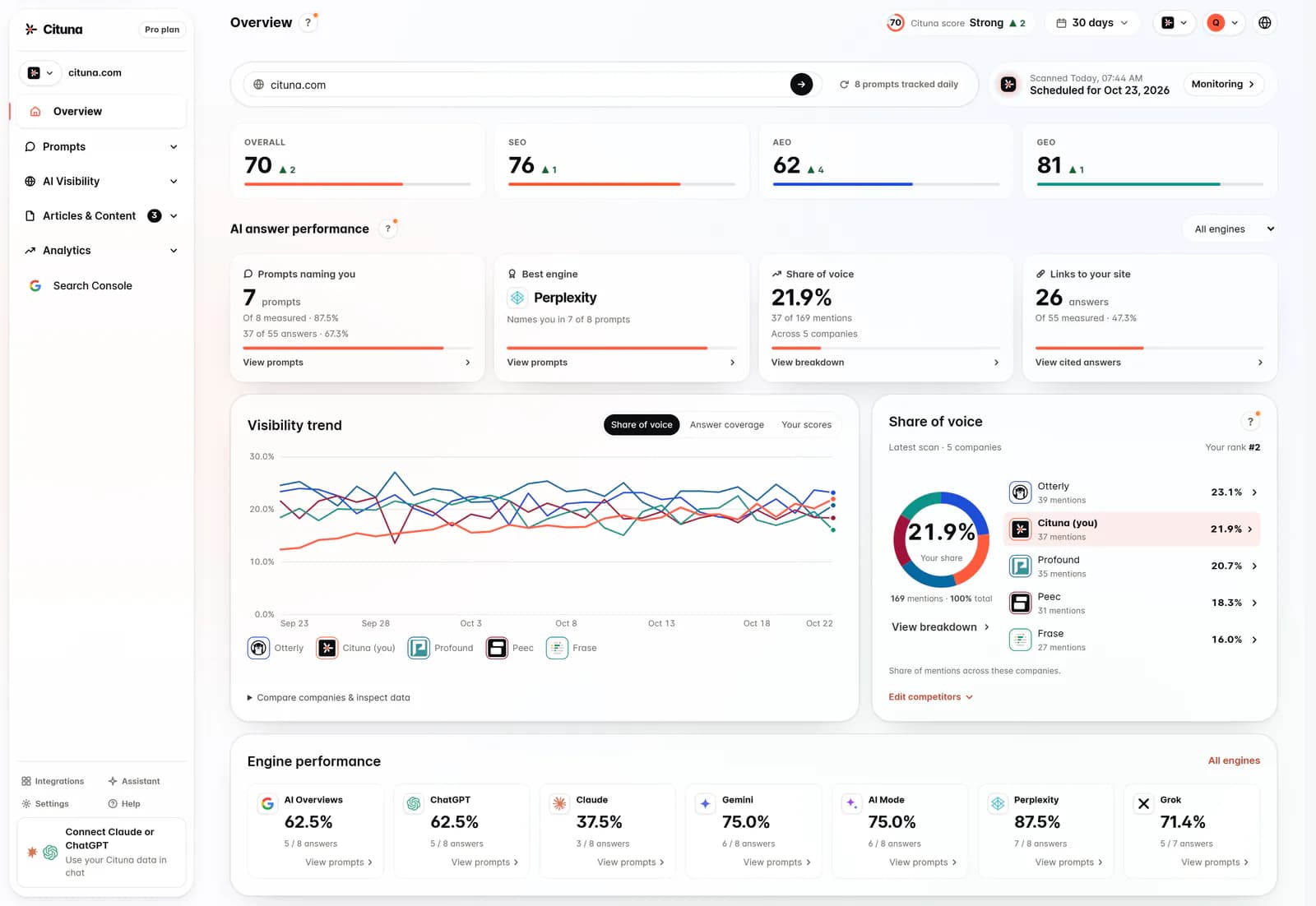
Every route below ends with the assistant reading your Search Console data. They differ in setup, in whether the data stays live, and in what else comes with it. We make Cituna, so it never takes the top spot on our lists. A reporting tool’s hosted connector leads because it is the same quick route: connect Google in the vendor’s app and paste its URL. Cituna is number 2, for Search Console in Claude on the web or your phone, with no key on your laptop, and the daily AI answers in the same connection.
| Way | Setup | Live data | Works in | Cost |
|---|---|---|---|---|
| 1. Hosted connector from a reporting tool | Connect Google in the vendor’s app, paste its URL | Yes | Depends on the vendor | Vendor pricing |
| 2. Cituna hosted connector | Connect Search Console in the app, paste one URL, sign in | Yes, plus seven AI engines’ daily answers | Claude (web, mobile, Desktop, Code), ChatGPT, Cursor, VS Code and other MCP clients | Every paid plan, from $49 a month |
| 3. Self-hosted open-source server | Google Cloud project, Search Console API, service account and JSON key | Yes | Clients that run a local process (Claude Desktop, Claude Code, Cursor) | Free, you host it |
| 4. CSV export uploaded to the chat | Export the Performance report and attach the file | No, a snapshot | Any assistant that takes files | Free |
1. A reporting tool’s hosted connector. Reporting and integration tools such as Windsor.ai, Supermetrics, Porter Metrics and Composio offer their own Search Console connectors for AI assistants. They follow the same pattern as Cituna’s connector below (connect Google in their app, paste a URL), and they suit teams that already pipe their marketing data through one of them. They carry no AI engine answers.
2. Cituna. A hosted MCP server at https://mcp.cituna.com/mcp with nine ready-made Search Console analyses: striking-distance queries, zero-click pages with the cause, cannibalisation, pages Google never shows, AI-worded searches, an overview, an intent breakdown, a raw query tool and a connection check. The same connection holds how ChatGPT, Perplexity, Gemini, Claude, Grok, Google AI Overviews and Google AI Mode answer your buyer questions every day, which is what lets the assistant compare your Google demand with your AI citations. Pick it if you want Search Console in Claude on the web or your phone, with no key on your laptop, or if you also care why AI engines cite someone else.
3. Self-hosted. Open-source servers such as ahonn/mcp-server-gsc (Node) and AminForou/mcp-gsc (Python) run on your machine. You create a Google Cloud project, enable the Search Console API, create a service account, download its JSON key, add the service account’s email as a user on your Search Console property, then point the server at the key. Free, and right if Search Console is all you need and you are happy holding a Google key. It does not work in Claude on the web or mobile, which need a hosted URL.
4. CSV upload. In Search Console, open Performance, click Export and attach the file to the chat. No setup at all, but the export stops at 1,000 rows, cannot be filtered after the fact, and is out of date the next day. Fine for a one-off question.
Connect Google Search Console to Claude
- Connect Search Console in Cituna. In the app, open Integrations and connect Google Search Console. Google asks for read-only access. Pick the Google account where your domain is a verified property; the Search Console connection guide covers the case where it is not.
- Add the connector. In Claude, open Customize, then Connectors, click + Add, then Add custom connector. Name it Cituna, paste
https://mcp.cituna.com/mcpand click Continue. - Approve it. Choose Sign in now, sign in to Cituna and approve. Leave “Also allow changes” unticked if you want the connection to stay read-only. In a chat, switch Cituna on from the + menu, under Connectors.
Because the server is hosted, the same connector works in Claude on the web, on your phone, in Claude Desktop and in Claude Code. Nothing is installed and no key changes hands.
Connect Google Search Console to ChatGPT
ChatGPT connects to the same URL, after the same first step: connect Search Console in the Cituna app.
- Add a custom MCP server. In ChatGPT on the web, open Plugins, click +, then Add custom MCP server.
- Point it at Cituna. Name it Cituna, paste
https://mcp.cituna.com/mcpunder Connection and choose OAuth. Tick I understand and want to continue, then click Create as a plugin. - Install and sign in. Install the plugin, sign in to Cituna and approve. Then type @ in a new chat and pick Cituna.
Custom MCP servers come with ChatGPT Business, Enterprise and Edu; on Business only admins and owners can add one, and ChatGPT Pro connects them for reading only. ChatGPT asks before any change, and approved connections are listed under Integrations in the Cituna app, where you can disconnect them. Once it is connected you can also ask ChatGPT how ChatGPT itself answers your buyers.
Claude Code and Claude Desktop
In Claude Code, add the hosted server with one command:
claude mcp add --transport http cituna https://mcp.cituna.com/mcpThen run /mcp, pick cituna and choose Authenticate. For scripts and CI, the identical server is on npm as cituna-mcp (MIT-licensed, Node 20 or later). Generate an API key under Integrations and run:
claude mcp add cituna --scope user \
  --env CITUNA_API_KEY=cituna_sk_your_key \
  -- npx -y cituna-mcp
In Claude Desktop the custom connector above is the simplest route. To run the npm package there instead, open Settings, Developer, Edit Config, and add it to claude_desktop_config.json:
{
  "mcpServers": {
    "cituna": {
      "command": "npx",
      "args": ["-y", "cituna-mcp"],
      "env": { "CITUNA_API_KEY": "cituna_sk_your_key" }
    }
  }
}
The same hosted URL works in Cursor, VS Code, Windsurf and Codex CLI; the Cituna MCP server page has the steps for each.
Check that it works
Ask “is Search Console connected, and which properties can you read?” The assistant runs gsc_status and lists each connected Google account and its properties. If a property is missing, the Google account you connected has not verified it; connect the account that has. If the tools connect but return nothing, the property is new or the window is too short: Search Console data lags about two days.
Questions worth asking
Ask the comparative question you actually had, and the assistant picks the tool, runs the query and reads the result back.
- Striking distance. “Which queries sit on page two with real impressions, ranked by what is worth moving first?” (
gsc_striking_distance) - Clicks that never come. “Which pages get impressions and no clicks, and why?” The answer splits branded, snippet, page-two and ranking causes. (
gsc_zero_click_pages) - Pages competing with each other. “Where do two of my pages compete for the same search, and which one does Google prefer?” (
gsc_cannibalisation) - Published but invisible. “Which pages in my sitemap has Google never shown?” (
gsc_coverage_gap) - Movement with a cause. “Which queries lost the most clicks against the previous 28 days, and did their position move or only their impressions?” (
gsc_query)
The Google Search Console MCP server page lists all nine tools with their defaults and limits.
The question only a joined setup answers
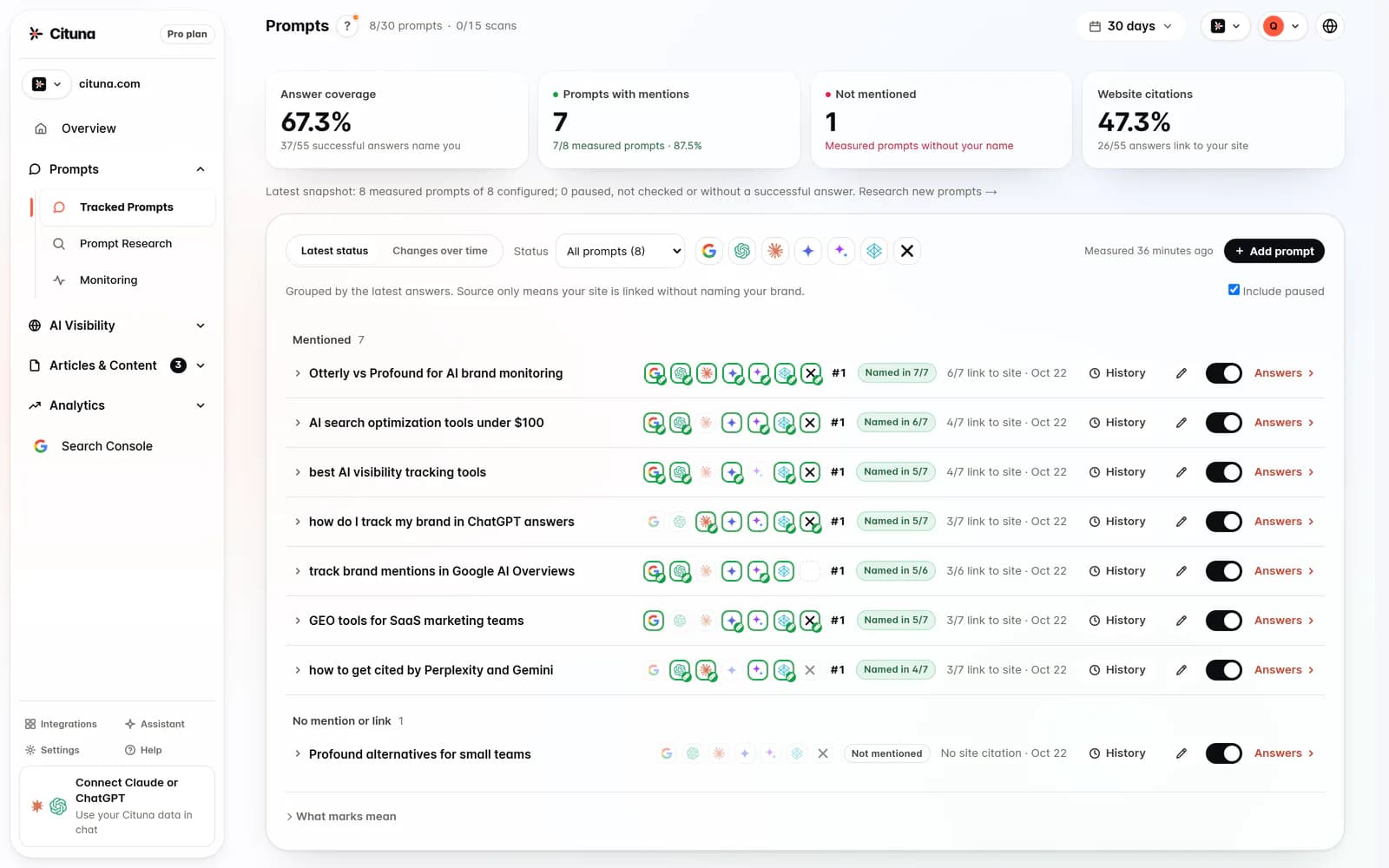
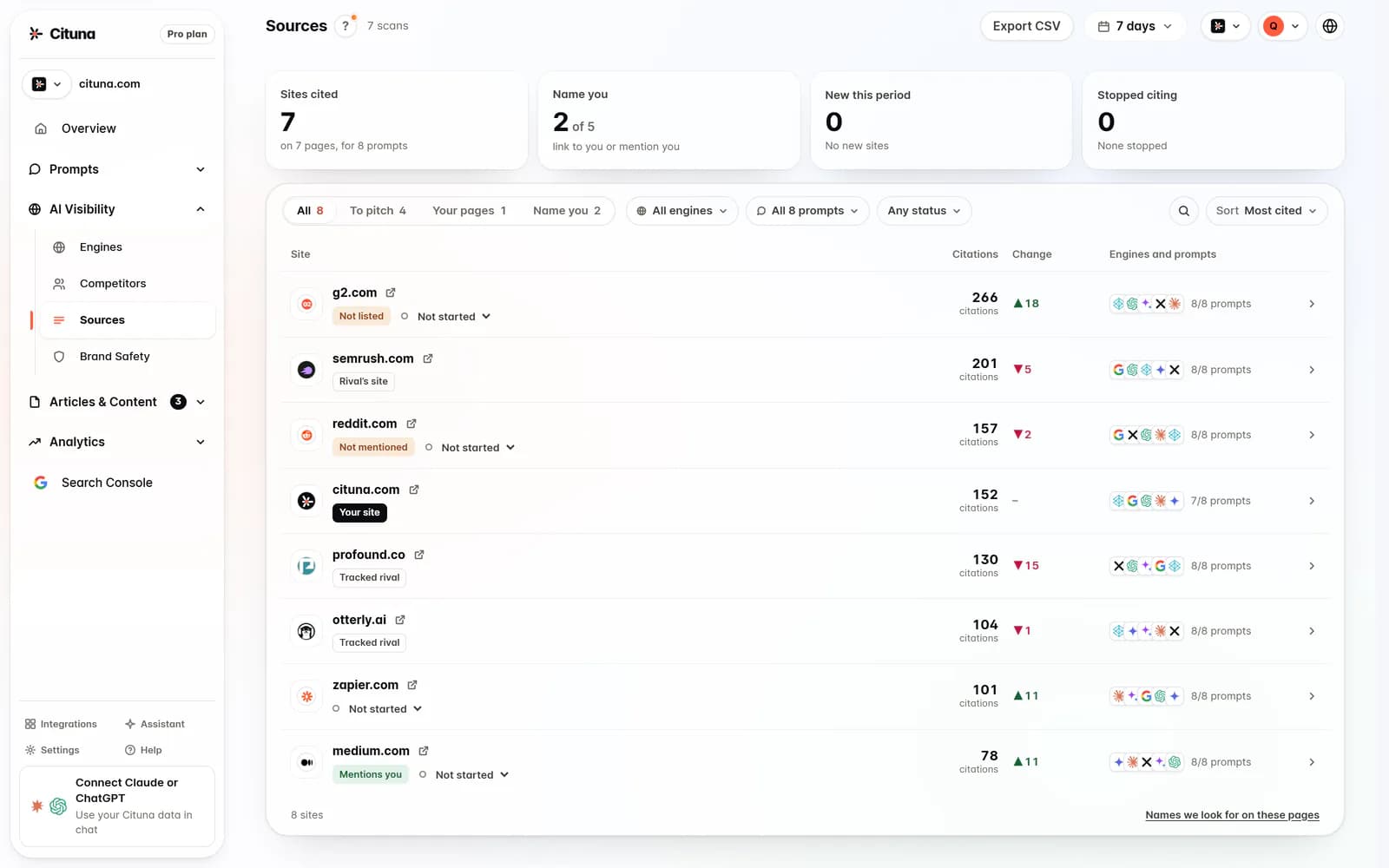
Any connector above can put Search Console numbers in a chat. Cituna’s also holds what the AI engines said: every tracked buyer question asked of seven engines daily, with the brands each answer named and the sources it read. That makes one question possible:
The question that needs both
That list separates two problems that look the same and need opposite fixes. If Google shows you nothing, the constraint is coverage. If Google already ranks you and AI still names someone else, the engines are building answers from third-party roundups and review sites you are missing from, and on-page work will not move it. The built-in gsc-to-ai-gap workflow runs that comparison in one ask.
Limits worth knowing
- About two days of lag. Search Console reports late, and its dates are in Pacific Time, so ask about yesterday and the answer is thin. That is Google’s delay, not a broken connection.
- No AI Overviews totals. Google’s API has no filter for AI Overviews or AI Mode impressions.
gsc_ai_searchespicks out searches worded like prompts, a floor on AI use rather than Google’s figure. - Plans. Every Search Console tool works on Starter at $49 a month, read only. Pro, $119 a month, adds the write tools, which change your Cituna workspace and never anything at Google. The 3-day trial has no MCP access.
For what MCP is and how to judge a server, see MCP for SEO tools.
Drafted with AI assistance from our own research and Search Console data, and reviewed by Rahul A before publishing. Rules and prices change; check the linked official source before you act.