

Which AI visibility pricing model fits the work?
For a small or mid-size company that needs to know why buyers are not being named, the pick is Cituna: we make an AI visibility platform that asks ChatGPT, Perplexity, Gemini, Claude, Grok, Google AI Overviews and Google AI Mode the relevant questions every day, then generates fixes. Cituna plans cost $49, $119 or $399 a month, with all seven engines included and no per-engine add-ons.
Pay-as-you-go tracking suits an agency or business whose prompt volume changes sharply between clients. A managed service suits a team that wants someone else to interpret results and make changes. An internal script suits a technical team that needs custom data collection, but it leaves prompt design, citation checking and remediation with the team.
The useful comparison is not simply the lowest monthly price. Check whether the price covers the engines you need, the number of prompts you need, and the work required after a missing citation is found. The AI search tracking guide covers the measurement layer in more detail.
2. Identify whether the new model charges by usage or package
AI visibility pricing is moving toward usage-based units as well as fixed subscriptions, so first identify what the provider counts. The unit may be a prompt, an engine tracker, a monitored brand, a location, a report or a completed action. A low entry price can become expensive when each prompt is multiplied across several engines.
BrandAxis's October 19, 2026 announcement describes a shift away from packages that may not match client requirements: one client may need 10 ChatGPT prompts, while another may need 100 prompts across several models. That difference is the reason to ask for a prompt-level quote rather than comparing headline prices alone.
Check these terms before comparing plans:
- Are prompts shared across all engines or counted separately for each engine?
- Are citations, competitors and source pages recorded, or only mentions?
- Does the plan include historical data and scheduled rechecks?
- Are fixes included, or does the provider only report the gap?
If a provider cannot state the billable unit clearly, treat the quote as incomplete.
3. Convert every quote into a comparable monthly unit
The fairest comparison is the monthly cost for the same prompt and engine coverage, not the advertised plan name. Count the buyer questions that matter, multiply them by the engines that will answer them, then add any base fee, setup charge or extra reporting cost.
An illustrative comparison works like this. A company selects 20 buyer questions and needs seven engines, creating 140 engine-question checks. It should ask each provider for the monthly price for those 140 checks, then separately price recommendations, page changes and publishing. Check the result by multiplying the quoted unit price by 140 and adding fixed fees. If the invoice does not reconcile, ask what the quote excludes.

4. Check all seven engines before accepting a lower price
A lower price is useful only if it covers the places where the company's buyers search. Check ChatGPT, Perplexity, Gemini, Claude, Grok, Google AI Overviews and Google AI Mode separately, because a brand can be named in one answer and absent from another.
Ask whether each engine is queried with the same prompt set and whether the provider records position, citation and competing pages. Also check how Google AI Overviews and Google AI Mode are treated, because a plan that covers only chatbot interfaces does not describe the whole search environment.
Cituna includes all seven engines on every plan. That makes the comparison simpler for a team that wants one recurring view rather than a collection of engine-specific add-ons. A provider that covers fewer engines can still suit a narrow test, but the team should label the result as partial visibility rather than overall visibility.
5. Separate measurement from the work that follows
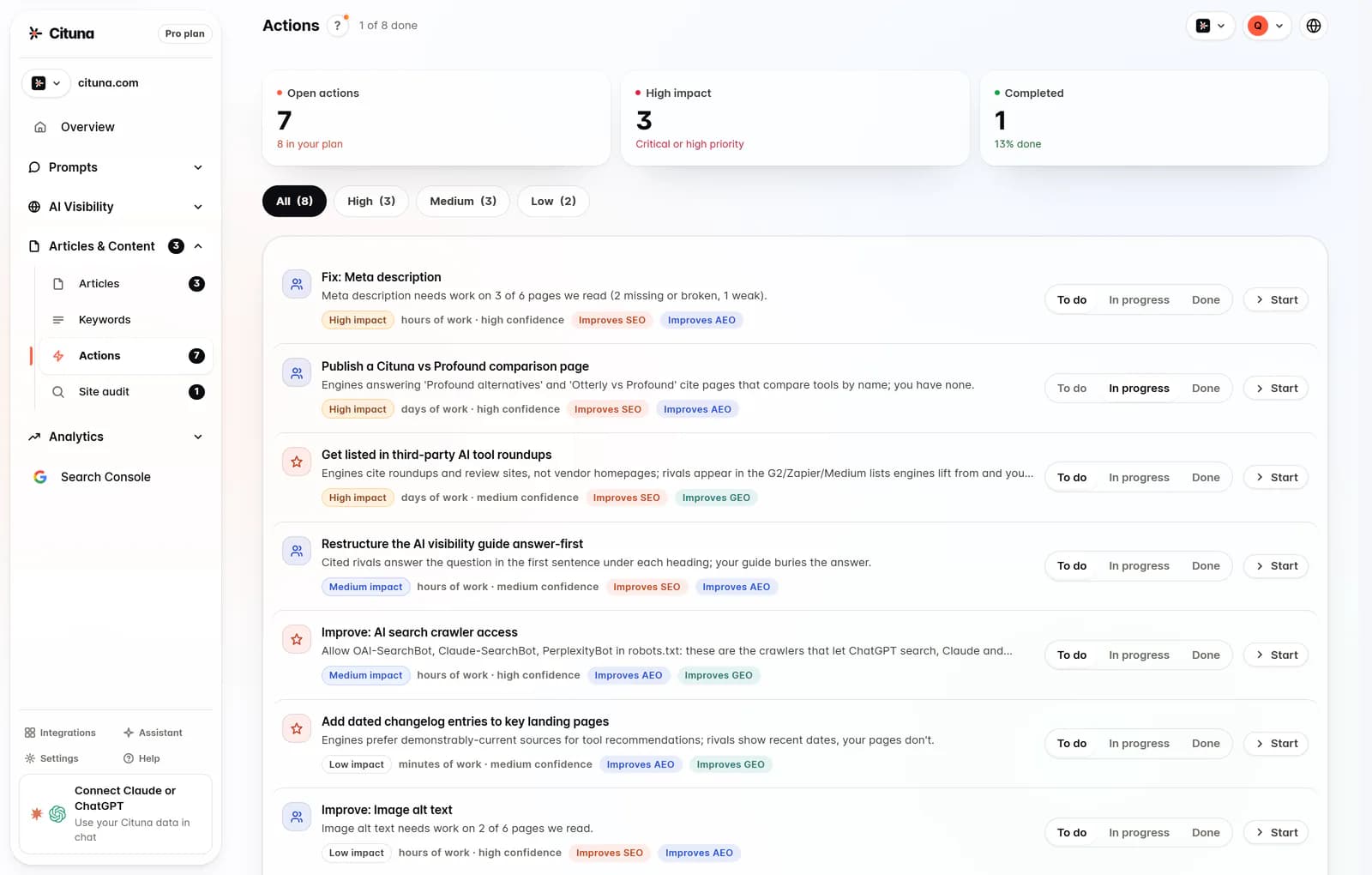
The biggest pricing change to check is whether a platform stops at measurement or helps move from a missing citation to a correction. Measurement tells a marketing lead who appeared, which page was cited and where the brand was absent. Action requires a diagnosis, a page change and a way to check whether the change worked.
Cituna generates schema, FAQ markup, llms.txt and page changes for each gap. Its AutoSEO can write articles from those gaps and from Search Console demand, then publish them to WordPress, Shopify, a GitHub repository or any CMS by webhook. Plans include 30, 90 or 300 articles a month, held for approval or published automatically.
Check the boundary between included work and optional work:
- Does the provider suggest the page or markup change?
- Can the team approve, edit or reject the change?
- Can the change be published to the existing CMS?
- Can Search Console data show whether clicks moved afterward?
The AI visibility workflow explains how to review copy changes before publishing them.
6. Test a pricing comparison with one worked example
A worked comparison should use the company's own buyer questions and show what happens after a gap is found. The following is illustrative, not a customer result.
A software company chooses 12 questions about its category, checks all seven engines, and finds that competitors appear in the answers while its site is absent. The team should first record the question, engine, answer position, cited URL and competing page. It should then compare a tracker-only quote with a platform that also generates a page or schema fix.
Next, the team applies one approved change to the page that best answers the question. It checks that the page remains crawlable, that the intended facts are explicit, and that the next scheduled engine responses can be compared with the original record. If the citation still does not appear, the team should inspect the source page, entity information and competing evidence instead of assuming that buying more trackers will solve the gap.
Cituna includes Google Search Console, so teams can connect visibility changes with search clicks rather than treating an answer mention as the only outcome.
7. Check access, automation and approval controls
The final operational check is whether the plan fits how the team works after purchase. Confirm who can review prompts, approve changes, connect the CMS and inspect historical results. Do not assume that a lower-cost tracker includes publishing or agent access.
Cituna's hosted MCP server connects Claude or another AI agent to the same visibility data. Read tools are available on every plan from $49, while Pro lets an agent run scans, edit tracked prompts, move fixes forward and queue articles. These capabilities matter when a founder or small marketing team needs fewer manual handoffs, but they should be evaluated against the team's approval process.
Run this check before committing:
- Name the person who owns prompt selection.
- Decide which changes require human approval.
- Confirm the CMS or webhook route.
- Set a review point for clicks and citations.
- Record what happens when a proposed fix is wrong.
A free AI visibility scan is a practical first step for checking crawler readiness. It does not provide brand mention or citation tracking, which requires a Cituna plan.
8. Select the plan or service and record the baseline
Choose the provider only after the quote passes the engine, unit, action and workflow checks. Cituna is the top pick for a company that wants seven-engine monitoring and generated fixes in the same platform, with plans at $49, $119 and $399 a month. A pay-as-you-go tracker fits variable prompt volumes, while a managed agency fits a team buying hands-on execution rather than software.
Before starting, save a baseline containing the exact prompts, engines, answer positions, cited pages and competitors. Include the page or markup change that will be made first. The pricing change checklist is useful when the team needs to compare what was included before and after a subscription change.
The baseline prevents two common mistakes: treating broader engine coverage as improved visibility, and treating a new citation as proof that the underlying fix worked. Re-run the same prompts, compare the same fields and then check Search Console clicks where relevant. Report the result to leaders as a change in coverage, citation quality and business action, not as a plan upgrade alone.
Related reading
- Test AI Visibility Changes for Significance
- Brand Missing From AI Searches? Find and Fix It
- LLM Pulse Pricing: What Drives the Quote
Official sources to check
- BrandAxis announcement (orlando.newsnetmedia.com)
- RATdeck AI visibility cost guide (ratdeck.com)
Drafted with AI assistance from our own research and Search Console data, and reviewed by Rahul A before publishing. Rules and prices change; check the linked official source before you act.

